How it works
How does the Strike Dummy airsoft bomb prop work?
Connect the power supply, set the time and code. The device checks the wires and starts the countdown. Disarm it with the code or the correct wire.
Step 1
Power and startup
Connect a 2S Li-ion battery pack or another 6–18 V power source.
- After the “Loading” screen, the device moves on to setting the time.
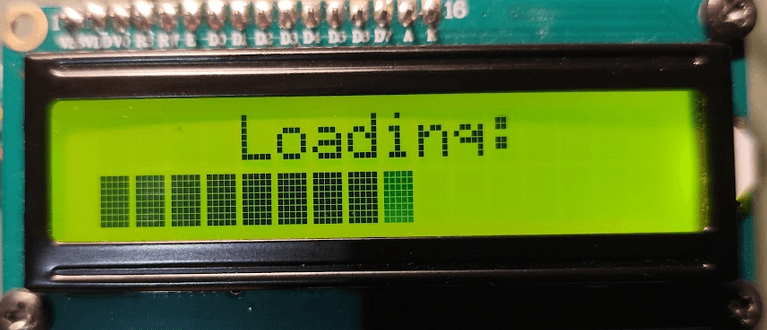
The loading screen shown when the device starts. Step 2
Set the time and code
Set hours, minutes and seconds in order. Then enter the disarming code.
- # confirms each time field, then the complete code.
- * deletes input; when setting the time, it also moves back through the fields.
- The time cannot be 0 h 0 min 0 s.
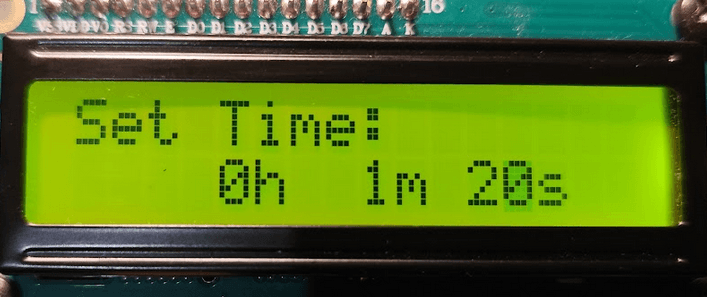
Setting hours, minutes and seconds. 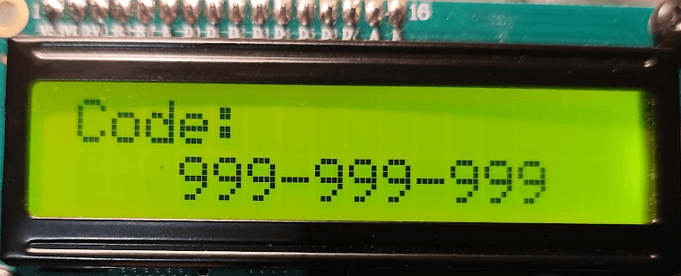
Setting a custom disarming code. Step 3
Check the wires and start
The device checks all three wire connections, then starts the countdown.
- “Wire not connected” means a wire is disconnected. Check the connections.
- The disarming wire is randomly selected from the three wires.
- The display shows the remaining mission time.
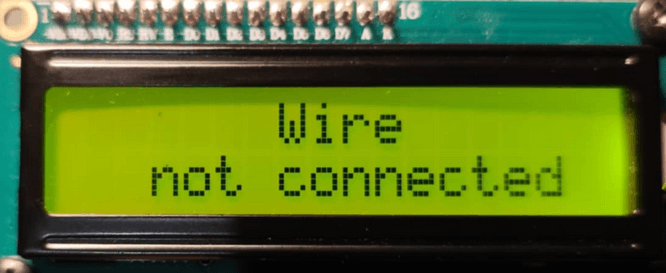
The message shown when a wire is not connected. 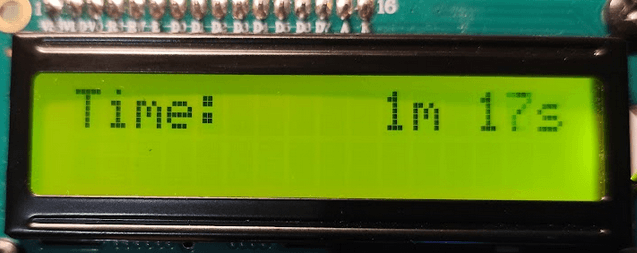
Countdown before revealing the code field with *. Step 4
Enter the code during the countdown
The code field is initially hidden. Press * to reveal it.
- Enter the code configured earlier.
- Press # to verify it.
- You can also disarm the device with the correct wire.
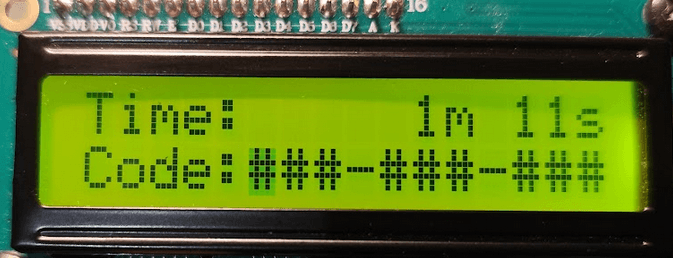
Code field revealed by pressing *. 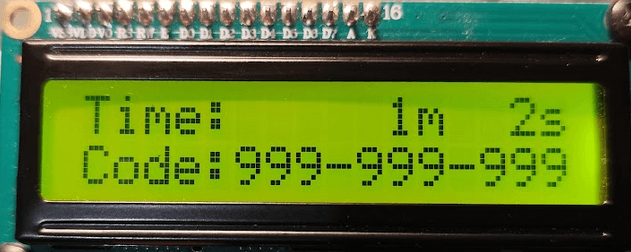
Code entered — confirm with #. Step 5
Mission result
The display shows the mission result.
- “DEFUSE” — the device is disarmed.
- “EXPLOSION!” — a simulated unsuccessful finale.
- The continuous buzzer stops after 5 seconds. The animation remains on screen.
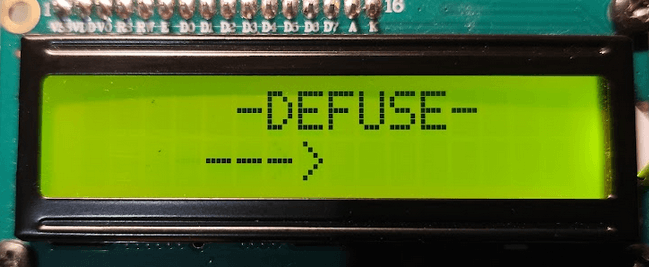
The final screen indicating disarming. 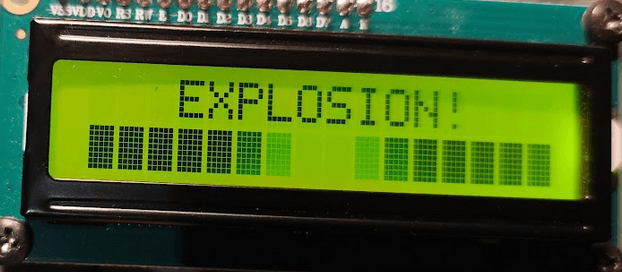
A simulated mission finale. The prop contains no pyrotechnic materials.
The * and # keys
Their functions depend on the current stage.
- *Delete input or reveal the code field
- Time setup: delete or go back. Code setup: delete. Countdown: reveal the code field.
- #Confirm
- Confirms time fields and the configured code. During the countdown, verifies the entered code.
Frequently asked questions
Which power supply should I use?
We recommend a 2S Li-ion battery pack with a built-in balancer, or a similar power source supplying 6–18 V DC.
Can I choose the disarming wire myself?
The standard version randomly selects one of the three disarming wires, adding an element of surprise to the game. If your scenario needs a fixed wire, we can prepare this modification as a custom order.
Does the device contain pyrotechnic materials?
Strike Dummy is an electronic prop without pyrotechnic materials. Its display, lights and sound create the excitement, while the “EXPLOSION!” message signals the end of the mission.
Why is the code field missing during the countdown?
It is hidden. Press * to reveal it.
The manual and next steps
The full user manual is available as a PDF in Polish.